> ## Documentation Index
> Fetch the complete documentation index at: https://iso-topology.mintlify.site/llms.txt
> Use this file to discover all available pages before exploring further.
# Made with iso-topology
> Real diagrams, with source files you can use as starting points.
Every diagram below comes from a scene in the repository. Open its source to
inspect the layout, shapes, colors, and connections, then adapt it to your system.
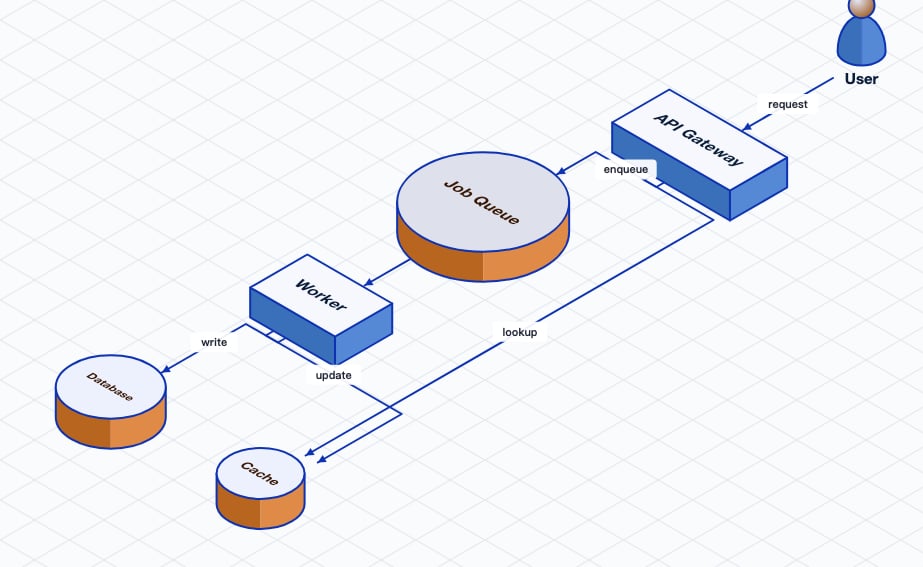
## Microservices
A D2 graph with automatic layout: a useful starting point for a service overview.
 [Open the D2 source](https://github.com/MishaBear94/iso-topology/blob/main/samples/topology/microservice/input.d2)
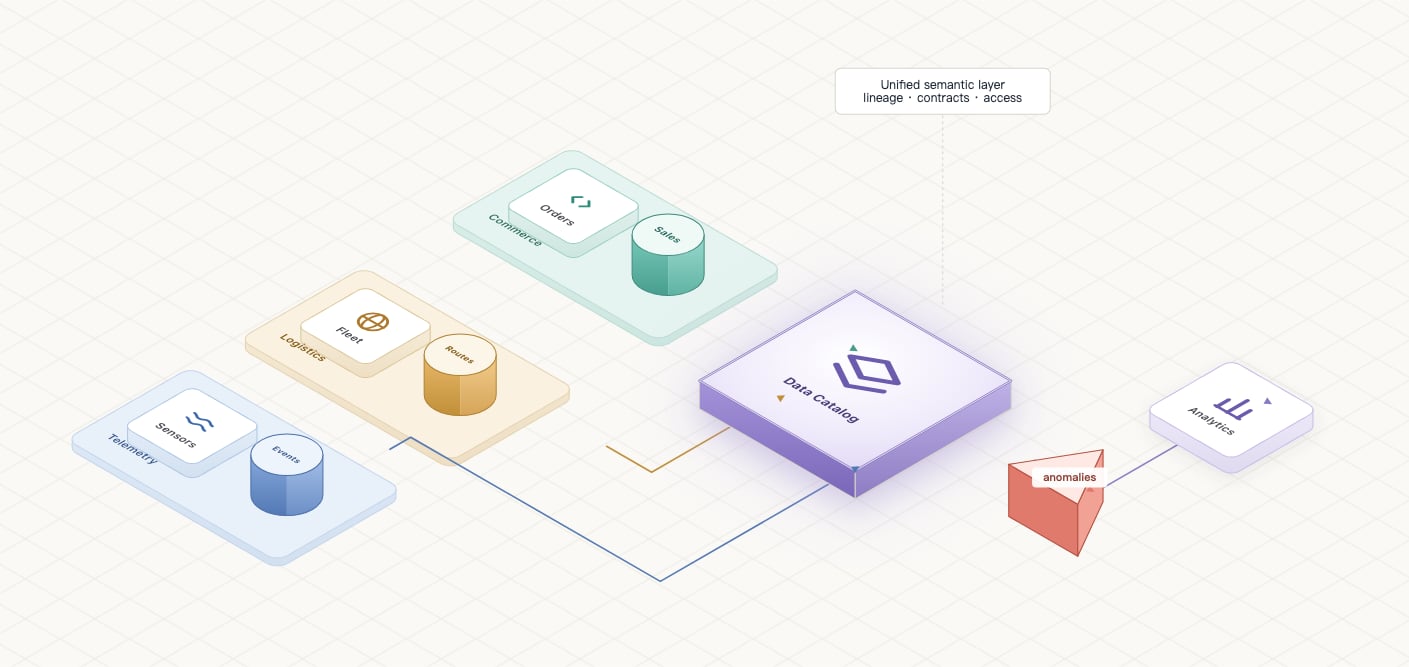
## Data fabric
YAML composition with layout driven by the connections between components.
[Open the D2 source](https://github.com/MishaBear94/iso-topology/blob/main/samples/topology/microservice/input.d2)
## Data fabric
YAML composition with layout driven by the connections between components.
 [Open the YAML source](https://github.com/MishaBear94/iso-topology/blob/main/samples/topology/data-fabric/input.yaml)
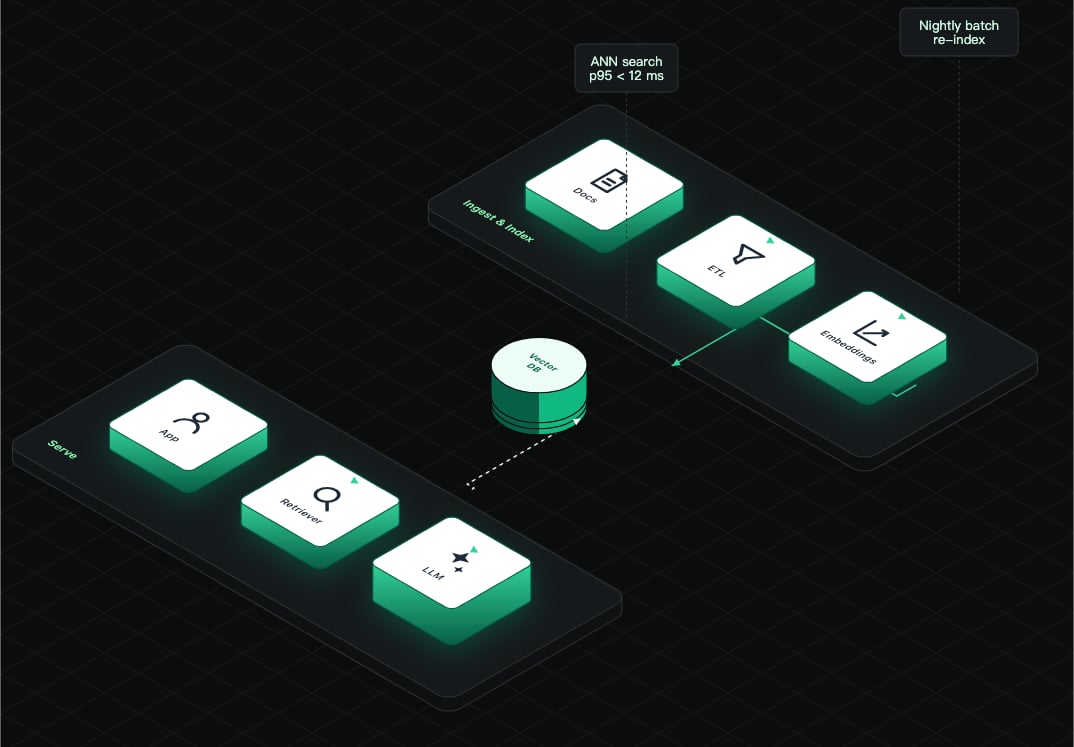
## RAG pipeline
Separate ingestion and retrieval paths, with recognizable infrastructure icons.
[Open the YAML source](https://github.com/MishaBear94/iso-topology/blob/main/samples/topology/data-fabric/input.yaml)
## RAG pipeline
Separate ingestion and retrieval paths, with recognizable infrastructure icons.
 [Open the YAML source](https://github.com/MishaBear94/iso-topology/blob/main/samples/topology/rag-pipeline/input.yaml)
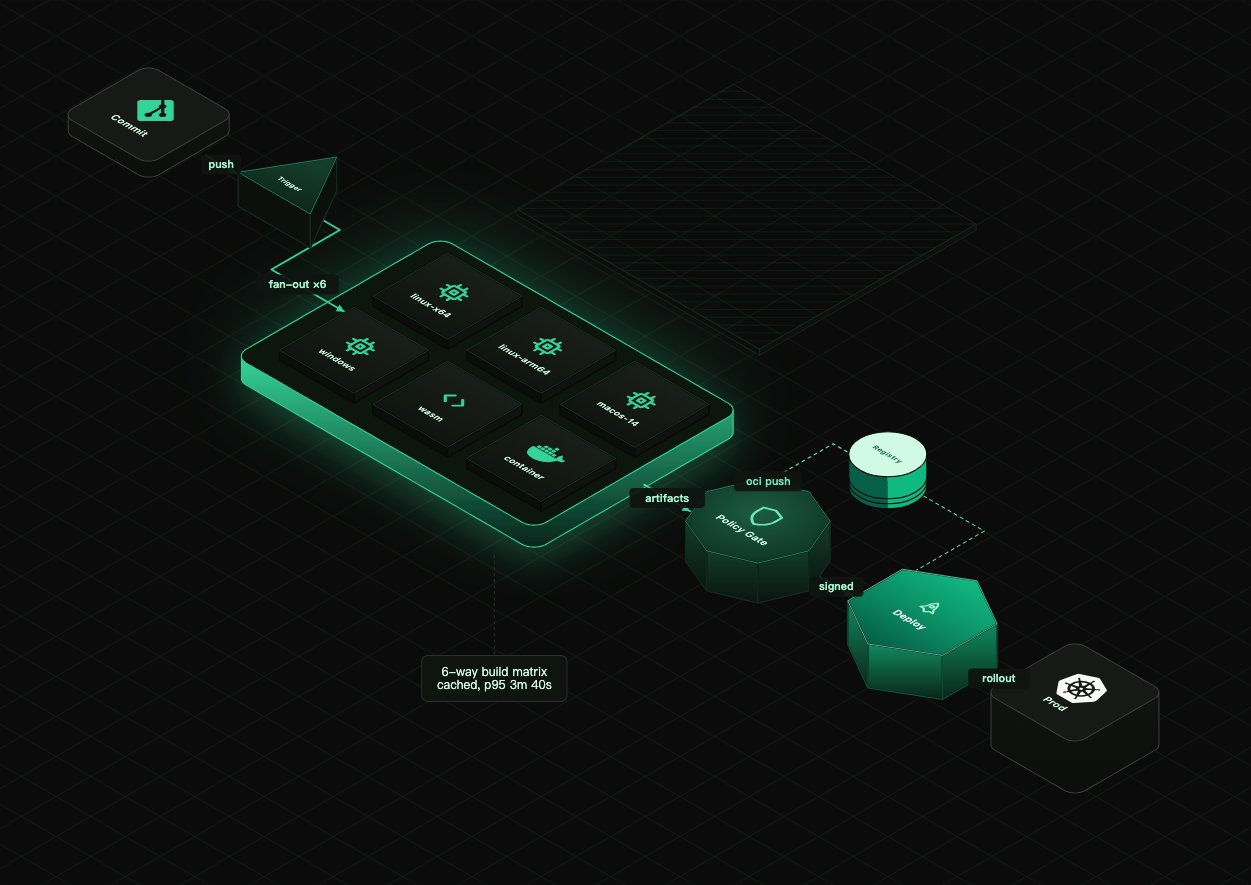
## Developer tooling
A dark scene showing a CI/CD pipeline and its supporting services.
[Open the YAML source](https://github.com/MishaBear94/iso-topology/blob/main/samples/topology/rag-pipeline/input.yaml)
## Developer tooling
A dark scene showing a CI/CD pipeline and its supporting services.
 [Open the YAML source](https://github.com/MishaBear94/iso-topology/blob/main/samples/topology/devtool-pipeline/input.yaml)
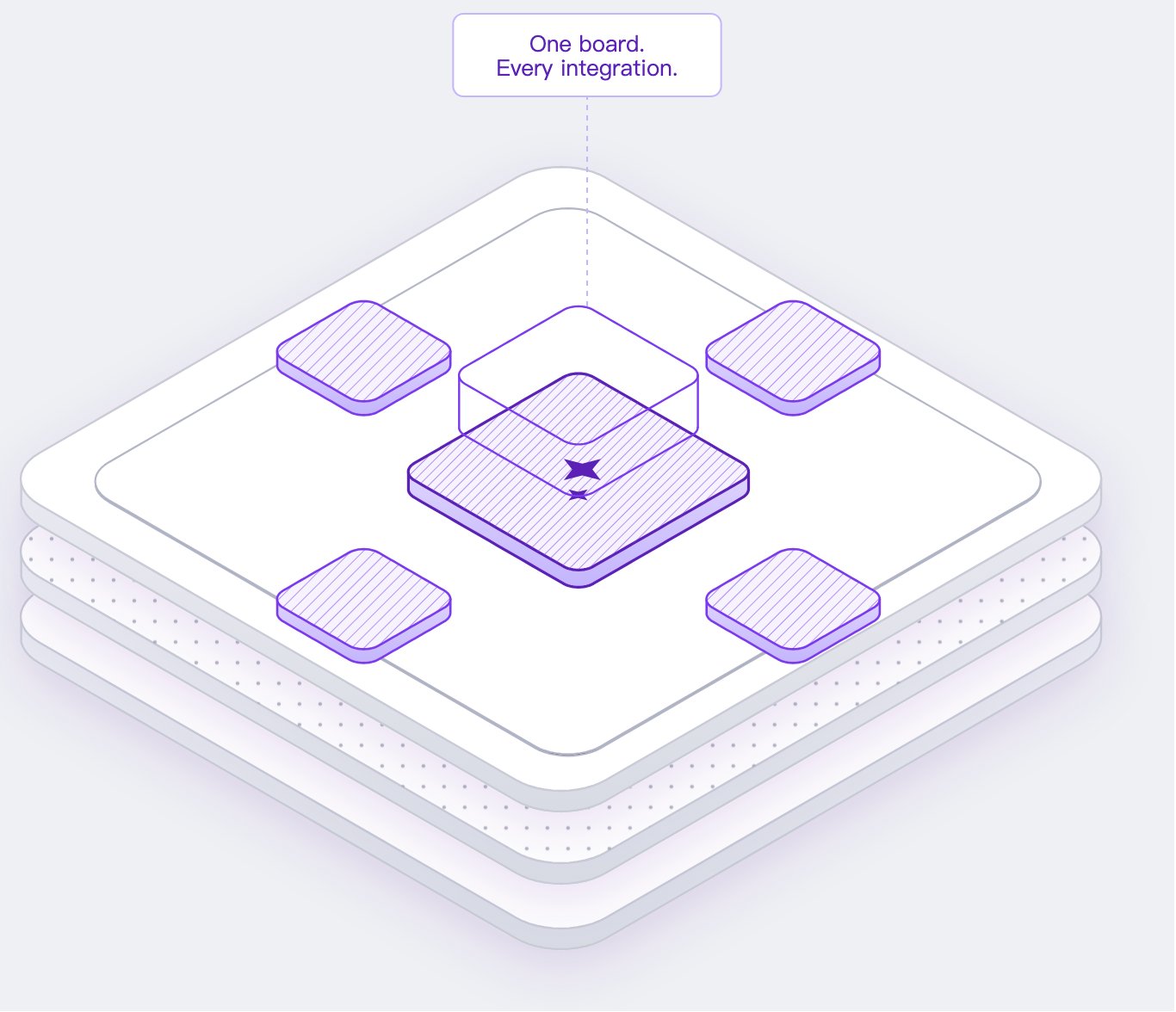
## Layered platform
An exploded view of a platform, using height and stacking to expose its layers.
[Open the YAML source](https://github.com/MishaBear94/iso-topology/blob/main/samples/topology/devtool-pipeline/input.yaml)
## Layered platform
An exploded view of a platform, using height and stacking to expose its layers.
 [Open the YAML source](https://github.com/MishaBear94/iso-topology/blob/main/samples/topology/platform-board/input.yaml)
## Make one your own
Clone the repository, choose a source file, and render it locally:
```bash theme={null}
git clone https://github.com/MishaBear94/iso-topology
cd iso-topology
go run ./cmd/isotopo render samples/topology/microservice/input.d2 ./out
```
The images on this page are illustrative snapshots. Rendering with a newer
version can change placement and routing as the engine improves.
Browse the full index, including individual shapes and regression scenes.
Choose a layout, visual hierarchy, and color system for your architecture.
This documentation is built and hosted on [Mintlify](https://mintlify.com), a developer documentation platform.
[Open the YAML source](https://github.com/MishaBear94/iso-topology/blob/main/samples/topology/platform-board/input.yaml)
## Make one your own
Clone the repository, choose a source file, and render it locally:
```bash theme={null}
git clone https://github.com/MishaBear94/iso-topology
cd iso-topology
go run ./cmd/isotopo render samples/topology/microservice/input.d2 ./out
```
The images on this page are illustrative snapshots. Rendering with a newer
version can change placement and routing as the engine improves.
Browse the full index, including individual shapes and regression scenes.
Choose a layout, visual hierarchy, and color system for your architecture.
This documentation is built and hosted on [Mintlify](https://mintlify.com), a developer documentation platform.